Server profiles
Separate profiles for names, ports, worlds, and modifiers. Start, stop, and restart without hunting through folders.
Release Candidate 1 / WINDOWS
I built Valheim Server Manager to make looking after my own game servers easier. I’m sharing it here so anyone can try it and see whether it works for their setup, too.
Windows x64 · Local servers · Vanilla Valheim
A PERSONAL PROJECT, SHARED
01 / THE SERVER ROOM
These are the tasks I wanted to bring together for my own servers. The app runs locally on Windows.
Separate profiles for names, ports, worlds, and modifiers. Start, stop, and restart without hunting through folders.
Keep a shared SteamCMD server cache, then copy it into each new server’s own installation. Check for updates when you’re ready.
Import your server batch file and current-format world folder. Review the settings before giving your existing world a new home.
Preview a seed or explore a saved world. Filter bosses, traders, dungeon types, camps, and the Forge of Potential.
Manage world backups and restores. Choose how long to wait for a graceful shutdown, with a force-stop choice if it times out.
Choose from four themes or customize the app and map colors. Save your palette and share it as a JSON theme.
02 / KNOW YOUR WORLD
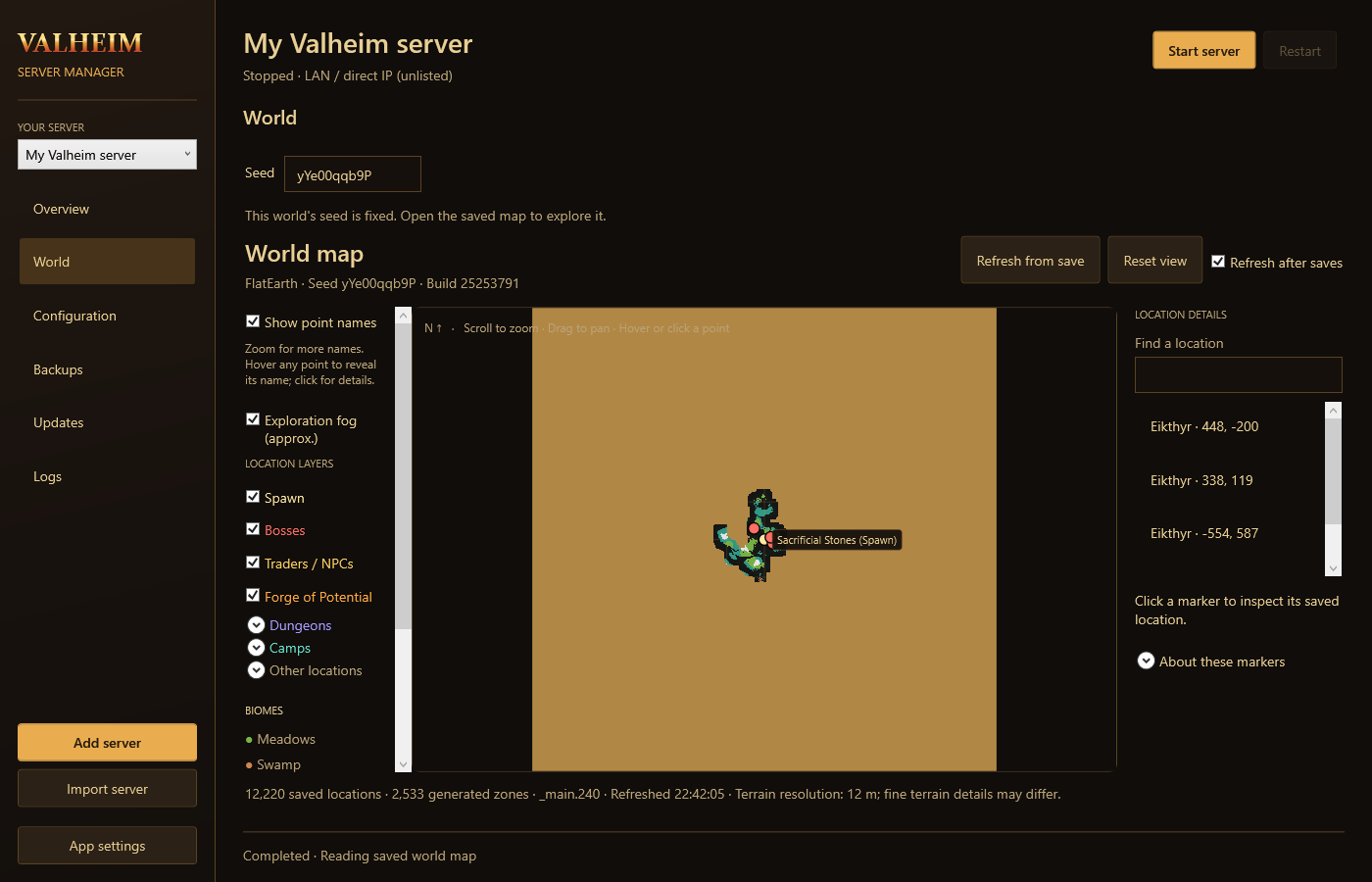
Keep the map open beside your server, or expand it to fill the window. Search for a location, pick the layers you need, and get your bearings.
Exploration fog approximates progress using generated server zones. It does not read player exploration or cartography tables.
03 / YOUR OWN COLORS
Warm gold, quiet charcoal, a touch of purple, or a lighter workspace. The same tools, your preferred palette.
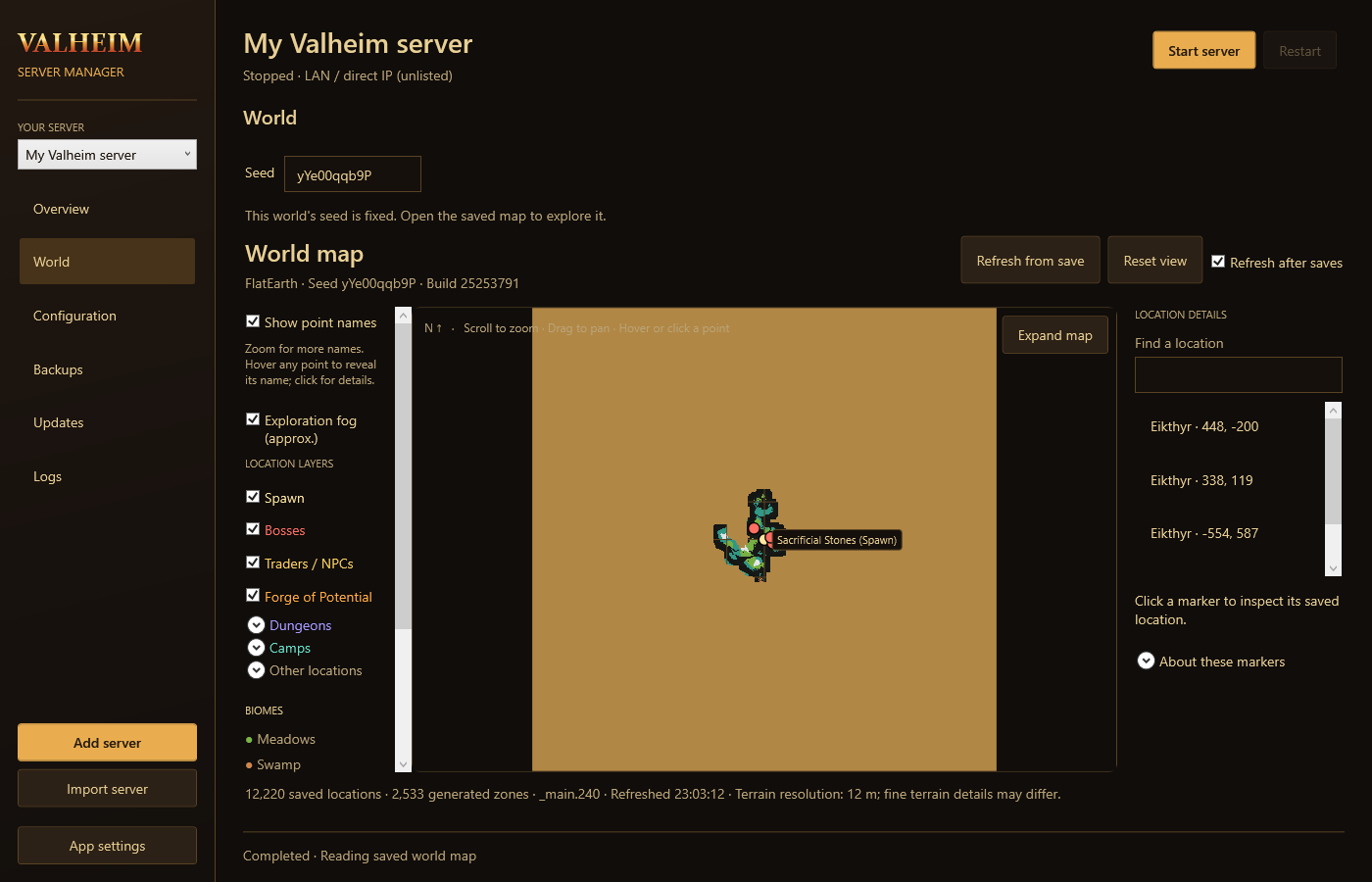
Default — warm brown, golden text, and parchment fog.
04 / SET UP CAMP
Install the .NET 10 Desktop Runtime for Windows x64. Extract the application ZIP and
run Install.cmd.
Set your SteamCMD path in App settings, then download the dedicated server into the shared cache.
Add a server, choose its world and seed, set ports and modifiers, and build a preview before starting.
Stop the original server and copy its batch file and complete world folder, including chunk files.
Choose Import server, select the .bat file and world folder, then review
the detected name, ports, and settings.
Install server files from the cache, start the imported server, and connect. Build its terrain map while the server is stopped.
05 / RELEASE NOTES
The current release brings together the features I’ve been using and testing, but it is not a promise that every setup will work. Keep a backup of your world before trying it.
Windows x64, local vanilla servers. Remote management and mod tooling are not included. Seed generation and map reading are build-sensitive.
A FEW THINGS TO KNOW
Yes. Choose the Steam LAN / direct-IP mode to hide it from the public list and connect by local IP. This does not enforce LAN-only access through Windows Firewall.
The profile supports crossplay and preserves the batch file’s crossplay setting on import. Crossplay uses its own connection path; real client crossplay testing remains part of release-candidate validation.
If servers are running, the app asks whether to shut them down. A configurable timeout controls how long it waits before offering to force stop.
Yes. Close the manager and its managed server processes, then run the new installer. It replaces the application while keeping server files and settings separate.
This release candidate is unsigned, so Windows may show SmartScreen’s unrecognized-app prompt. The download includes a SHA-256 checksum for checking file integrity; a checksum is not a publisher signature.
FEEDBACK & DISCUSSION
If you try the tool, the community is a place to report a problem, ask a question, or share something that worked for you.
AVAILABLE TO TRY
Valheim Server Manager · Release Candidate 1
Windows x64 · .NET 10 Desktop Runtime required
Loading release checksum…